Customizable reports
Choose the metrics, charts, summaries, timeframes, brands, competitors, sources, and mention examples that match your reporting goal.
Kommon Poll report generation helps teams create PDF, PowerPoint, Excel, comparison, handpicked mention, email, and spike-alert reports from public conversation data without rebuilding everything manually.
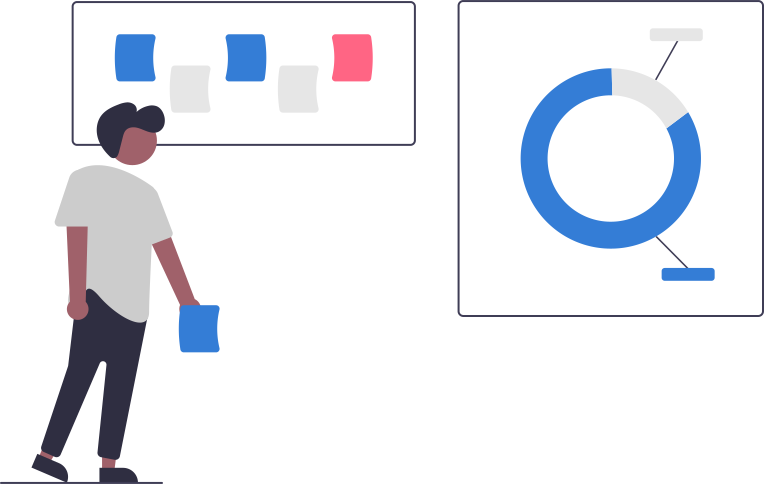
Social listening becomes more valuable when insights can be shared with the people who need them: leadership, clients, campaign teams, PR teams, customer experience teams, and research stakeholders.
Kommon Poll report generation is built to reduce manual reporting work. Teams can export polished summaries, include important mentions, compare brands or periods, and automate updates so stakeholders stay informed consistently.
Whether you need a quick PDF, a presentation-ready PowerPoint, a raw Excel export, or automated alerts when conversation spikes, the reporting workflow helps move from dashboard analysis to action.
Choose the metrics, charts, summaries, timeframes, brands, competitors, sources, and mention examples that match your reporting goal.
Generate polished PDF reports for quick sharing with internal stakeholders, management, clients, and project teams.
Create presentation-ready decks that communicate key findings, trends, recommendations, and supporting evidence.
Each workflow combines monitoring, filtering, AI interpretation, and reporting so the page is useful beyond a simple feature description.
Choose the metrics, charts, summaries, timeframes, brands, competitors, sources, and mention examples that match your reporting goal.
Generate polished PDF reports for quick sharing with internal stakeholders, management, clients, and project teams.
Create presentation-ready decks that communicate key findings, trends, recommendations, and supporting evidence.
Download all relevant mentions with associated fields for deeper analysis, auditing, tagging, or internal processing.
Compare brands, competitors, campaigns, sources, sentiment, topics, or time periods to identify movement and opportunities.
Schedule email reports and spike alerts so important changes reach the right people without manual checking.
Use these examples as starting points for configuring searches, alerts, dashboards, and reports around the outcomes your team needs.
Kommon Poll is designed to make public conversation easier to operationalize: define the scope, collect the signal, interpret the pattern, and share what matters.
Choose a brand, competitor set, campaign, industry topic, timeframe, or filtered mention set.
Use PDF for summaries, PowerPoint for presentations, Excel for raw data, or email reports for recurring updates.
Include handpicked mentions, comparison visuals, sentiment breakdowns, source mixes, and AI-generated summaries.
Share reports with teams or clients, schedule recurring updates, and use spike alerts for urgent changes.
Kommon Poll can support PDF reports, PowerPoint reports, Excel exports, comparison reports, handpicked mention reports, automated email reports, and spike alerts depending on setup and plan.
Yes. Handpicked mentions can be added to highlight important examples, customer quotes, complaints, praise, or evidence behind a trend.
Yes. Email reports and alert workflows can be scheduled so stakeholders receive recurring updates or notifications when conversation volume changes significantly.
Connect this page with adjacent workflows so users can understand the broader value of public conversation intelligence.
Use Kommon Poll to turn monitoring data into stakeholder-ready reports, exports, and alerts.